Nanoleaf Smart Lights 2026: Review, Setup & Best Panels Guide
Nanoleaf Smart Lights 2026: Review, Setup & Best Panels Guide
Complete Nanoleaf smart lights review for 2026 — covering all panel types, Matter support, HomeKit setup, creative room ideas, and how Nanoleaf compares to other smart lighting brands.
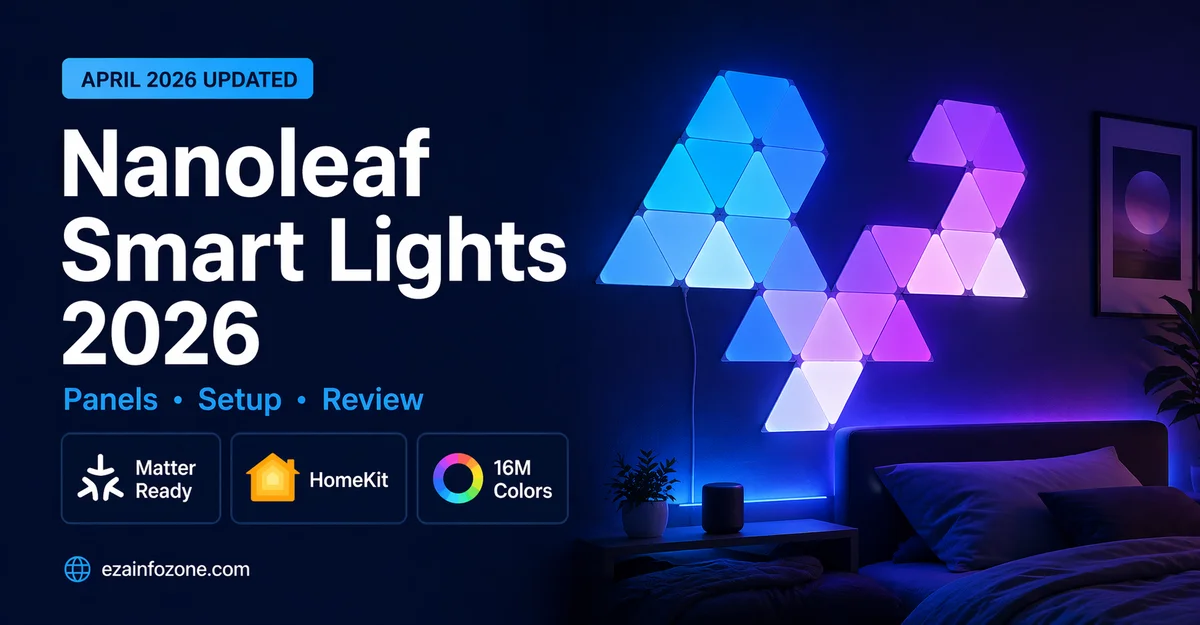
Nanoleaf smart light panels are modular, app-controlled LED panels in geometric shapes that mount on walls to create unique ambient lighting displays. In 2026, the best Nanoleaf products are the Shapes Hexagons for wall art lighting, Lines for minimalist accent lighting, and Essentials Bulbs for budget Matter-compatible smart lighting. All 2026 Nanoleaf products support Matter for seamless smart home integration.
What Is Nanoleaf?
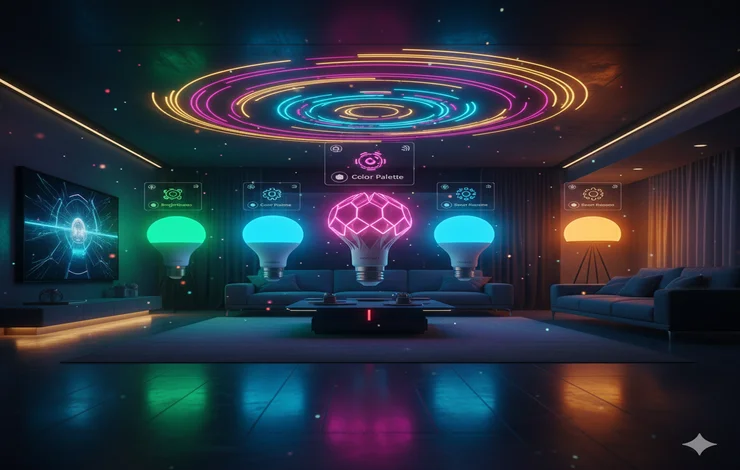
Nanoleaf is a smart lighting brand specializing in modular LED panels that mount on walls to create interactive ambient lighting displays. Unlike standard smart bulbs that simply replace existing fixtures, Nanoleaf panels are a form of lighting art — geometric shapes arranged in custom patterns that display millions of colors, react to music, and transform room atmospheres.
In 2026, Nanoleaf has expanded beyond panels to include smart bulbs, light strips, and outdoor lights — all with full Matter support for seamless integration with every major smart home platform. The brand is particularly popular among gamers, streamers, home office setups, and anyone who wants ambient lighting that makes a visual statement.
Nanoleaf Product Lineup 2026
The Nanoleaf Shapes Hexagons are the most versatile and popular Nanoleaf product in 2026. Hexagonal panels connect magnetically and can be arranged in any pattern on your wall. The built-in microphone enables music-reactive lighting that pulses and changes color with your audio. Touch any panel directly to change colors or activate scenes without using the app.
- Most flexible arrangement options
- Music reactive built-in
- Touch control on panels
- Full Matter support
- Works with all platforms
- More expensive than basic smart lights
- Requires careful wall mounting
- Power cable visible behind panels
Nanoleaf Lines create geometric line patterns on walls — a more minimalist and architectural aesthetic compared to the organic shapes of Hexagons. The 60° angle connectors allow zigzag, diamond, and geometric frame patterns. The Lines cast a subtle 3D shadow effect on the wall behind them, adding depth that other panels lack.
The Nanoleaf Essentials bulbs bring Nanoleaf’s Matter + Thread support to standard light fixtures at $20 per bulb. Thread protocol creates a mesh network that improves reliability and responsiveness across all Thread devices in your home. The best smart bulbs for HomeKit users who want a reliable, future-proof standard bulb without a dedicated controller or bridge.
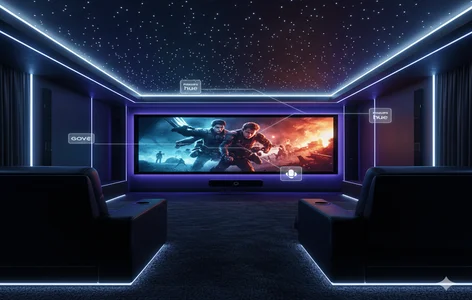
The Nanoleaf 4D Screen Mirror kit includes a camera that captures your TV or monitor’s colors in real time and projects them onto a light strip that surrounds your screen and onto any connected Nanoleaf panels — creating an immersive ambient lighting effect that extends your screen’s visuals into the room. Particularly popular for gaming setups and home cinema rooms.
Nanoleaf Products Comparison 2026
| Product | Price | Music Reactive | Matter | Touch Control | Best For |
|---|---|---|---|---|---|
| Shapes Hexagons | ~$99 | ✔ | ✔ | ✔ | Wall art / ambient |
| Lines | ~$119 | ✔ | ✔ | ✘ | Minimalist design |
| Essentials Bulbs | ~$20 | ✘ | ✔ | ✘ | Budget/standard fixtures |
| 4D Screen Mirror | ~$79 | ✔ | ✔ | ✘ | Gaming / cinema |
| Triangles | ~$89 | ✔ | ✔ | ✔ | Classic Nanoleaf look |
Nanoleaf Setup Guide — Step by Step 2026
Plan Your Panel Layout
Use the Nanoleaf app’s layout designer to plan your panel arrangement before mounting. This prevents unnecessary holes and adhesive marks. Consider the room’s focal points — above a desk, behind a TV, or on a feature wall opposite the main seating area. Sketch at least 2–3 layout ideas before committing.
Mount the Panels
Each Nanoleaf panel includes adhesive mounting tape for clean installation without drilling. Ensure the wall surface is clean and dry before applying. Press each panel firmly for 30 seconds. Connect panels magnetically — they click together with satisfying alignment. The controller panel connects to power via the included cable.
Connect to App
Download the Nanoleaf app, create an account, and follow the in-app setup. The app detects your panels via Bluetooth initially, then switches to Wi-Fi. Enter your 2.4GHz Wi-Fi password. Setup completes in under 5 minutes for most users.
Connect to Your Smart Home Platform
For Matter devices: scan the Matter QR code in your platform’s app (HomeKit, Alexa, Google Home). For older Nanoleaf panels: enable the Nanoleaf skill in Alexa or link through the Google Home app. HomeKit users can also use the HomeKit setup code printed on the controller.
Create Scenes and Automations
The Nanoleaf app includes a scene library with hundreds of preset color combinations, or you can design custom scenes by coloring each panel individually in the layout editor. Set automations that trigger scenes at specific times, when you arrive home, or when music plays.
Nanoleaf Matter Support 2026
All new Nanoleaf products released in 2026 support Matter, the universal smart home protocol. This means they connect directly to Amazon Alexa, Google Home, and Apple HomeKit without any additional bridge or hub. Nanoleaf Essentials products also support Thread — a low-power mesh networking protocol that creates a more reliable and faster-responding smart home network when combined with a Thread border router like Apple HomePod mini.
Nanoleaf with Apple HomeKit
Nanoleaf has been one of the strongest HomeKit lighting brands since the early days of HomeKit. In 2026, all Nanoleaf panels and Essentials products connect natively to HomeKit via Matter. You can control colors, brightness, and scenes through the Home app or Siri, create HomeKit automations that trigger Nanoleaf scenes when you arrive home, and group Nanoleaf lights with other HomeKit accessories in room-based automations.
Nanoleaf with Alexa and Google Home
Nanoleaf works seamlessly with Amazon Alexa and Google Home in 2026 through Matter. Once added, panels and bulbs appear as controllable lights in both apps. Voice commands like “Alexa, set the Nanoleaf to blue” or “Hey Google, activate gaming mode” work instantly. You can include Nanoleaf lights in Alexa Routines and Google Home automations alongside other smart home devices.
Creative Room Ideas with Nanoleaf 2026
- Gaming setup: Hexagons behind monitor + 4D Screen Mirror for immersive gameplay
- Home office: Lines above desk in calming white or focus-boosting blue tones
- Bedroom: Hexagons on feature wall with warm sunrise automation for gentle wake-up
- Living room: Panels behind TV synced with movie colors for cinema atmosphere
- Music room: Music-reactive Hexagons that pulse with instruments in real time
- Kids room: Colorful Triangles with touch control so kids can change colors themselves
Nanoleaf vs Competitors 2026
| Feature | Nanoleaf | Philips Hue | LIFX | Govee |
|---|---|---|---|---|
| Modular panels | ✔ Unique | ✘ | ✘ | Limited |
| Music reactive | ✔ | Via app only | ✔ | ✔ |
| Matter support | ✔ | ✔ | Partial | Limited |
| Thread support | ✔ | ✔ | ✘ | ✘ |
| Price (starter) | ~$99 | ~$79 | ~$45/bulb | ~$40 |
| Unique visual impact | ⭐⭐⭐⭐⭐ | ⭐⭐⭐ | ⭐⭐⭐ | ⭐⭐⭐ |
Which Nanoleaf to Buy in 2026
- Best first Nanoleaf purchase: Shapes Hexagons Starter Kit — most versatile and popular
- Best for modern/minimalist rooms: Nanoleaf Lines — architectural geometric aesthetic
- Best budget entry point: Nanoleaf Essentials Bulbs — Matter + Thread at $20/bulb
- Best for gaming setup: Hexagons + 4D Screen Mirror combination
- Best for Apple HomeKit: Essentials Bulbs or Hexagons — both have excellent HomeKit integration
- Best for music/party atmosphere: Shapes Hexagons with music reactive mode
🏠 Plan Your Smart Lighting Setup
Use our free smart lighting planner to calculate the right number of panels for your room and estimate costs.
Try Free Lighting Planner →FAQs — Nanoleaf Smart Lights 2026
Conclusion — Nanoleaf Smart Lights in 2026
Nanoleaf smart lights remain one of the most visually distinctive and creatively satisfying smart lighting options in 2026. The Shapes Hexagons deliver an unmatched combination of wall art aesthetics, music reactivity, and smart home integration that standard smart bulbs simply cannot replicate. Matter support across the entire lineup ensures compatibility with every major platform for years to come.
Start with the Shapes Hexagons 9-panel starter kit for the most versatile introduction to Nanoleaf, or choose the Essentials Bulbs for budget-friendly Matter + Thread smart lighting in standard fixtures. Whichever product you choose, Nanoleaf transforms rooms in a way that makes a genuinely visible difference to the atmosphere of any space.