Electricity Usage Monitor: Best Home Energy Monitors to Cut Bills in 2026
Electricity Usage Monitor: Best Home Energy Monitors to Cut Bills in 2026
How whole-home electricity monitors work, which models lead in 2026, and how to track circuit-level data with Emporia Vue, Sense, and Shelly — with installation and savings guidance.
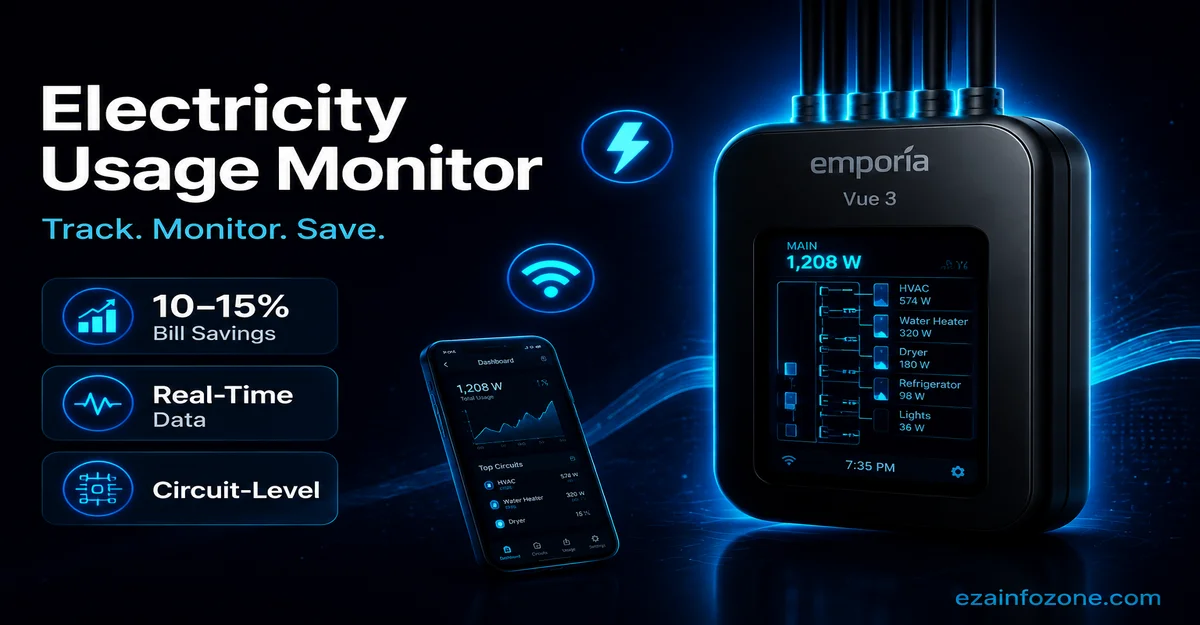
An electricity usage monitor tracks your home’s real-time power draw by connecting current transformer clamps to your electrical panel. Whole-home monitors like the Emporia Vue 3 ($39.99) show circuit-level data via smartphone app, helping you pinpoint energy hogs and cut bills by 10–15% (Lawrence Berkeley National Laboratory, 2022).
What Is an Electricity Usage Monitor?
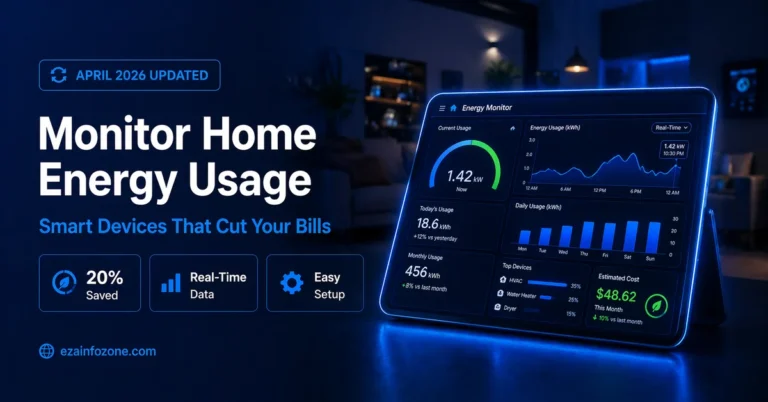
An electricity usage monitor — also called a home energy monitor — is a device that measures how much electrical power your home consumes, either at the whole-home level or per individual device. Unlike your utility bill, which shows monthly totals, a modern home energy monitor delivers real-time data down to the minute, letting you see exactly where your electricity dollars are going.
Most whole-home monitors work by attaching current transformer (CT) clamps around the main service conductors inside your breaker panel. These clamps sense the magnetic field produced by current flow and convert it into a precise digital reading, which is sent via Wi-Fi to a smartphone app. Installation causes no interruption to your power, and the monitor itself draws only a few watts of standby power.
A quality whole home energy monitor can detect subtle patterns invisible on a utility bill: the refrigerator compressor cycling on, the water heater recovering, or a gaming console left on idle overnight. That visibility is the foundation of real savings — you cannot reduce what you cannot measure.
Types of Home Energy Monitors
Not every home energy monitor works the same way. The right type depends on whether you rent or own, how deeply you want to analyze consumption, and your comfort with electrical installation.
| Type | How It Works | Best For | Approx. Cost |
|---|---|---|---|
| Whole-Home Panel Monitor | CT clamps inside breaker box; tracks all circuits simultaneously | Homeowners wanting complete data | $40–$300 |
| Utility Smart Meter Reader | Reads data wirelessly from utility’s smart meter | Renters; no panel access needed | $30–$80 |
| Smart Plug Monitor | Tracks a single device plugged into the outlet | Per-appliance monitoring | $12–$30 |
| Circuit-Level Sub-Meter | Dedicated CT clamp on one high-draw circuit | EV charger or HVAC tracking | $50–$120 |
For most homeowners, a whole home energy monitor installed at the panel is the most valuable investment. It gives complete visibility across every circuit in a single dashboard. If you are renting or simply want to track one device, a smart plug or utility reader is the practical choice.
4 Best Home Energy Monitors (2026)
These four picks represent the best home energy monitor options across different budgets and use cases, evaluated on accuracy, app quality, smart home compatibility, installation complexity, and value.
Emporia Vue 3
The most popular electricity usage monitor on the market. Ships with 16 CT clamps covering up to 16 circuits plus two main clamps for total household draw. The free Emporia Energy app shows real-time watts, daily kWh, and estimated monthly cost — with no subscription ever required.
- Lowest price for whole-home monitoring
- 16 CT clamps included
- Real-time app with cost estimates
- Alexa integration
- Solar + EV compatible
- Free — no subscription
- Requires licensed electrician
- No AI device detection
- No native Google Home
- App can be slow to load history
Sense Home Energy Monitor
The Sense Home Energy Monitor uses machine learning to automatically identify individual appliances — refrigerator, dryer, EV charger — by analyzing their unique electrical signatures. Over several weeks it builds a detailed picture of every device without requiring individual smart plugs.
- AI detects appliances automatically
- Alexa + Google Assistant
- Solar + EV monitoring
- Detailed device timeline
- Always-on load detection
- High upfront cost ($299)
- Detection takes 2–8 weeks
- No official Home Assistant
- Some devices never detected
Emporia Vue Utility Connect
Reads data directly from your utility company’s smart meter via secure wireless connection — no panel installation required. Integrates with over 2,500 US utilities, displays real-time cost in dollars, and supports time-of-use (TOU) rate plans so you can shift loads to off-peak hours.
- No electrician needed
- Works with 2,500+ utilities
- Real-time bill cost in dollars
- TOU rate plan tracking
- Good for renters
- Requires compatible smart meter
- No circuit-level breakdown
- Not all utility territories
- Lower resolution than panel monitors
Shelly EM3 Pro
The DIY champion of home energy monitoring. Supports three-phase power, exposes a local REST API and MQTT interface, and integrates natively with Home Assistant — all without any cloud dependency. Your data stays on your local network.
- Official Home Assistant integration
- Local API + MQTT
- Three-phase power support
- No subscription fees
- Open-source friendly
- Technical setup required
- No AI device detection
- Basic app vs Emporia/Sense
- 3-phase overkill for single-phase
Installation: What to Expect
Installing a whole-home electricity usage monitor is a straightforward job for an electrician but should never be attempted without one — your main service panel carries lethal voltage even when breakers are switched off. Here is what a typical installation looks like.
- Book a licensed electrician. Most panel monitor installations take 30–60 minutes. Expect to pay $50–$100 in labor on top of the monitor’s cost. Many Emporia Vue 3 buyers recover this through energy savings within the first year.
- Turn off the main breaker. The electrician will de-energize the panel. Note that the utility-side lugs above the main breaker remain live — no panel work is completely zero-risk without a utility shutoff.
- Clamp the CT sensors. Current transformer clamps snap around each circuit wire without cutting power. The Emporia Vue 3 ships with 16 clamps, enough for most homes.
- Connect the monitor hub. CT clamps plug into the hub, which connects to a standard 120 V outlet near the panel and then joins your home Wi-Fi.
- Configure the app. Download the app, pair the monitor, label each circuit, and you have real-time data within minutes.
What You Can Actually Measure
A modern home energy monitor does far more than show total kilowatt-hours. Here is the full range of data points available depending on model.
- Real-time watts and amps — Live consumption updated every second (Sense, Shelly) or every 5–15 seconds (Emporia Vue).
- Per-circuit kWh — Daily, weekly, and monthly totals per breaker: HVAC, kitchen, EV charger, office.
- Estimated monthly cost — Set your rate ($/kWh) in the app and the monitor projects your upcoming bill in real time.
- Solar production vs. grid draw — With extra CT clamps on solar lines, monitor net metering balance continuously.
- EV charging sessions — Track exact cost per session for your electric vehicle.
- Vampire / standby loads — Always-on power draw from devices in standby; typically 5–10% of a household’s electricity bill.
- Individual appliances (Sense only) — AI-detected signatures for refrigerator, washer, dryer, water heater, and more.
Combining this data with a smart thermostat creates a powerful energy management loop — your electricity usage monitor shows when HVAC consumption peaks, and your thermostat automatically adjusts schedules to flatten those spikes.
Smart Home Integration
A smart home energy monitor earns its name when it connects to the rest of your ecosystem. The table below shows platform compatibility for each top pick.
| Monitor | Alexa | Google Home | Apple HomeKit | Home Assistant | IFTTT |
|---|---|---|---|---|---|
| Emporia Vue 3 | ✓ | ✗ | ✗ | HACS | ✗ |
| Sense Home Energy Monitor | ✓ | ✓ | ✗ | HACS | ✓ |
| Emporia Utility Connect | ✓ | ✗ | ✗ | ✗ | ✗ |
| Shelly EM3 Pro | ✓ | ✓ | ✗ | Official | ✓ |
Apple HomeKit note: No mainstream home energy monitor supports HomeKit natively as of May 2026. The HomeKit spec includes an Energy category but no major monitor vendor has shipped a certified HomeKit electricity usage monitor.
The Shelly EM3 Pro is the only monitor with an official Home Assistant integration that polls data locally without cloud dependency. Emporia Vue 3 and Sense use community HACS integrations that work well but depend on the manufacturer’s cloud API. For more on building a complete energy-efficient smart home, see our smart home energy management guide.
How Much Can You Save?
The core promise of any electricity usage monitor is real money back on your bill. Research backs this up — but the savings depend on what you do with the data.
The biggest wins typically come from three areas. First, identifying always-on loads — older cable boxes, gaming consoles, and desktop computers can draw 10–30 W continuously, adding $10–$26 per year each. Second, shifting appliances like water heaters or pool pumps to off-peak hours on time-of-use rate plans, cutting those circuits’ cost by 20–40%. Third, catching equipment faults early — a failing refrigerator compressor or a leaking water heater element shows up as an anomalous spike in circuit data days before full failure.
For broader strategies on reducing your home electricity costs, see our guide on reducing electricity consumption with smart home automation.
Ready to Cut Your Electricity Bill?
Start with the Emporia Vue 3 — the best-value whole-home electricity usage monitor available — and see real-time consumption within hours of installation.
Check Price on AmazonFrequently Asked Questions
The Emporia Vue 3 ($39.99) is the best electricity usage monitor for most homes — whole-home circuit-level tracking, Alexa integration, and real-time app data at the lowest price. For AI-powered device detection, the Sense Home Energy Monitor ($299) is the top pick.
Yes. Whole-home energy monitors like the Emporia Vue 3 and Sense require installation inside your electrical panel by a licensed electrician. The job takes 30–60 minutes and costs $50–$100 in labor. The Emporia Vue Utility Connect and plug-in smart outlet monitors require no panel work at all.
Yes. The Emporia Vue 3 and Sense Home Energy Monitor both support solar monitoring via additional CT clamps on solar production lines, showing real-time solar generation versus grid draw and calculating your net metering balance continuously.
A whole home energy monitor installs at your breaker panel and tracks all circuits simultaneously. A smart plug monitors only the single device plugged into it. Panel monitors give a complete picture of your home’s electricity usage; smart plugs are better for tracking individual appliances without panel access.
Yes. The Emporia Vue 3 is compatible with Amazon Alexa via the Emporia Energy skill, allowing voice queries for current usage, daily totals, and cost estimates. It does not natively support Google Home or Apple HomeKit.
CT clamp-based monitors like the Emporia Vue 3 and Sense are typically accurate to within 1–2% of actual consumption, comparable to your utility meter. Smart plug monitors vary between 1–5% accuracy depending on brand and load type.
The Sense Home Energy Monitor uses machine learning to identify individual appliances — refrigerator, dryer, EV charger — by their electrical signatures. The Emporia Vue 3 and Shelly EM3 Pro track usage by circuit breaker only, not individual device.
Sense has an unofficial community integration via HACS (Home Assistant Community Store). The Shelly EM3 Pro has a fully official, local-polling Home Assistant integration with no cloud dependency — the preferred choice for privacy-conscious Home Assistant users.
Research from Lawrence Berkeley National Laboratory (2022) found households using home energy monitors reduce electricity consumption by 10–15% on average. For a household paying $150/month, that equals roughly $180–$270 in annual savings — enough to recover the cost of most monitors within the first year.
The Emporia Vue 3 at $39.99 is the cheapest whole-home electricity usage monitor available. For single-device tracking, smart plugs cost $12–$20 each. The Emporia Vue Utility Connect at $49.99 is the most affordable option for utility-integrated bill tracking with zero panel work required.