Home Security Camera System: Smart Home Setup Guide 2026
Home Security Camera System: Best Smart Security Setup & DIY Installation Guide 2025-26
Compare Ring, Arlo, SimpliSafe, Wyze, and Eufy — choose the right home security camera system for your budget, set it up yourself in hours, and protect your home 24/7 with smart alerts.
The best home security camera system in 2026 for most households is Ring (widest product range, Alexa integration, $10/month monitoring). For the best DIY home security without a subscription, Eufy stores footage locally for free. Budget pick: Wyze at under $40 per camera with person detection and color night vision included.
What Is a Home Security Camera System?
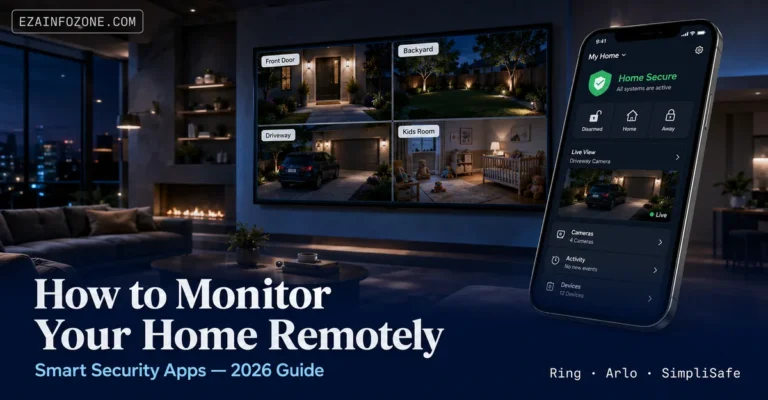
A home security camera system is a network of cameras, sensors, and smart devices that monitor your property, detect motion and intrusions, and alert you — or a professional monitoring centre — in real time. In 2025-26, modern home security camera systems are wireless, DIY-installable, and connect directly to your smartphone so you can view live footage, review recorded clips, and receive instant alerts from anywhere in the world.
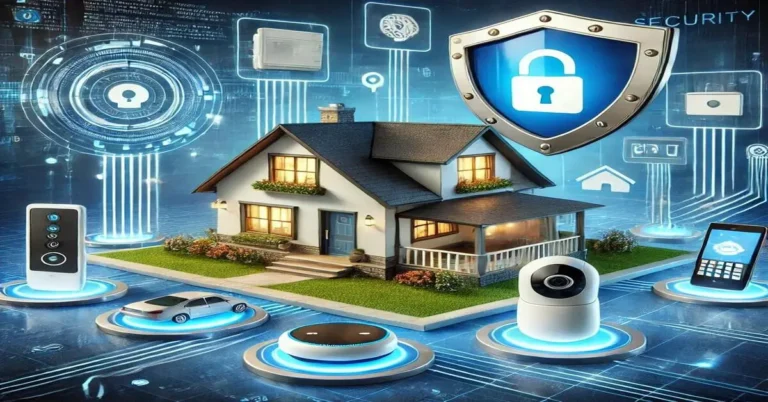
A complete smart home security system typically includes outdoor cameras covering entry points, a video doorbell at the front door, motion and door sensors on windows and doors, a smart home alarm system siren, and optional 24/7 professional monitoring. The best home security systems in 2026 integrate with Amazon Alexa, Google Home, and Apple HomeKit for voice control and full smart home automation.
Best Home Security Camera Systems 2025-26
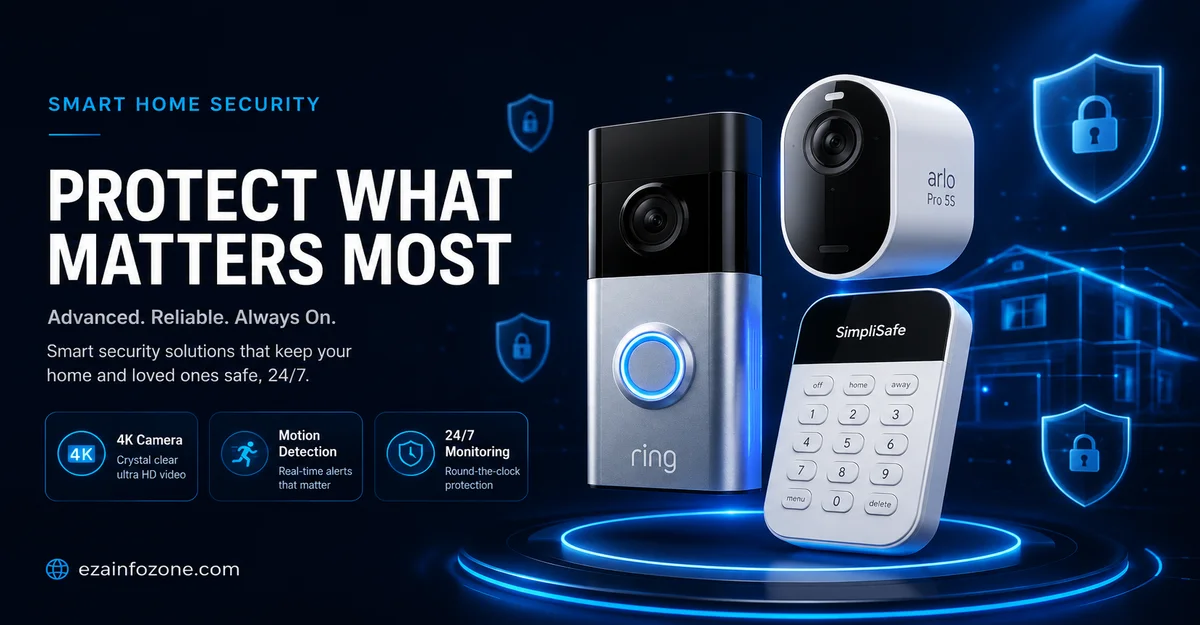
Ring is the most complete home security camera system available in 2025-26. The Ring ecosystem covers every part of your property — Ring Video Doorbell 4 at the front door, Ring Outdoor Cam Plus on driveways and back doors, Ring Floodlight Cam Wired Pro for garages and dark areas, and Ring Indoor Cam for inside coverage. All cameras connect to the Ring app, and Ring Alarm adds a full smart home alarm system with door sensors, motion detectors, and a 105dB siren. Ring Protect plans start at $10/month for video history and professional monitoring.
Ring integrates natively with Amazon Alexa — say “Alexa, show the front door camera” and the live feed appears on any Echo Show display instantly. For households already in the Amazon ecosystem, Ring is the clear first choice for a complete home security camera system.
- Largest product ecosystem
- Native Alexa integration
- Ring Alarm smart home alarm system
- Affordable monitoring from $10/month
- Easy DIY installation
- Cloud subscription required for video history
- No HomeKit support
- Video quality trails Arlo at same price
Arlo Pro 5S delivers the best video quality in any consumer home security camera system in 2025-26. 4K HDR footage with colour night vision captures licence plates and facial features clearly — a significant step above the 1080p cameras in most home security systems. The AI-powered smart detection differentiates between people, vehicles, animals, and packages, dramatically reducing false alerts. Arlo is the only major home security camera system with certified Apple HomeKit support, making it the top choice for iPhone households.
- Best video quality (4K HDR)
- Apple HomeKit certified
- 6-month battery life
- AI smart detection
- Works with all 3 ecosystems
- Most expensive per camera (~$200)
- Subscription needed for full features
- Smaller ecosystem than Ring
Eufy is the best home security camera system for households who want professional-grade security without a monthly subscription. All footage is stored locally on the Eufy HomeBase hub — 16GB built-in, expandable to 128GB — with no cloud fees ever. AI person detection, facial recognition, and smart alerts all run on-device with no data sent to external servers, making Eufy the most privacy-focused complete home security system in 2025-26. The Eufy Alarm system adds door/window sensors and a smart home alarm system siren to complete the package.
SimpliSafe is the easiest complete DIY home security system to set up in 2025-26. Sensors peel and stick to doors and windows in seconds — no drilling, no wiring, no tools required. The SimpliSafe Base Station acts as the smart home alarm system hub, and the outdoor and indoor cameras add video coverage to the sensor system. SimpliSafe is the best choice for renters or first-time home security buyers who want a complete system without the complexity of building one component by component.
Wyze delivers the most affordable home security camera system in 2025-26 without sacrificing the features that matter. The Wyze Cam v4 at under $40 includes 1080p HD video, colour night vision with a built-in spotlight, person and motion detection, two-way audio, and 14 days of free cloud storage. The Wyze Home Monitoring subscription at $9.99/month adds professional monitoring to create a complete DIY home security system for under $200 total for a 3-bedroom home. No other brand comes close to this value proposition.
Home Security Camera System Comparison 2025-26
| System | Price/Camera | Video | Storage | Monitoring | HomeKit | Best For |
|---|---|---|---|---|---|---|
| Ring | $60–$250 | 1080p HD | Cloud ($10/mo) | $10/mo | ✘ | Alexa households |
| Arlo Pro 5S | ~$200 | 4K HDR | Cloud ($13/mo) | $13/mo | ✔ | Best video / Apple |
| Eufy | $80–$180 | 2K–4K | Local (FREE) | Optional | ✔ | No subscription |
| SimpliSafe | $100–$200 | 1080p HD | Cloud ($20/mo) | $20/mo | ✘ | Easiest setup |
| Wyze | $30–$60 | 1080p HD | Free cloud + SD | $10/mo | ✘ | Best budget |
How to Set Up a Home Security Camera System: DIY Guide 2025-26
Setting up a complete home security camera system is a straightforward weekend project in 2025-26. Follow these steps in order for the fastest, most reliable DIY home security installation — covering cameras, sensors, smart home alarm system, and app configuration.
Plan Your Coverage — Map Entry Points First
Before buying any hardware, walk around your property and list every entry point: front door, back door, side gates, garage, and any ground-floor windows. Draw a simple floor plan showing where each camera will go. For a 3-bedroom home, plan for 4 to 6 outdoor cameras and 1 indoor camera minimum. Every door that opens to the outside needs either a sensor, a camera, or both in a complete home security camera system.
Choose and Buy Your System
Select your home security camera system based on your budget and ecosystem: Ring for Alexa households, Arlo for Apple HomeKit or best video quality, Eufy for no monthly fees, SimpliSafe for easiest DIY setup, or Wyze for maximum value. Buy a system kit that includes the hub/base station, 3 to 4 cameras, and door/window sensors in a single package — this is cheaper than buying components individually and ensures all devices are pre-paired.
Install the Base Station / Hub
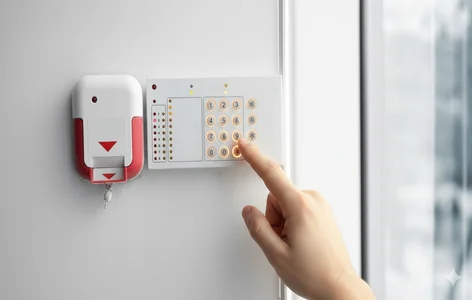
Place the smart home alarm system base station (Ring Alarm Base, Eufy HomeBase, SimpliSafe Base) in a central location — ideally a utility room or cupboard. Connect it to your router via Ethernet for the most reliable connection, or Wi-Fi if Ethernet is not practical. Power it on and complete the initial app setup before touching any cameras. A solid hub connection is the foundation every home security camera system depends on.
Install Cameras Outdoors First
Mount outdoor cameras at 8 to 10 feet high, angled slightly downward to capture face-level detail while remaining out of easy reach. Most wireless home security cameras come with a mounting bracket, 2 screws, and a wall anchor — installation takes 10 to 15 minutes per camera. Point the camera to cover the main approach to each entry point, not just the door itself. Once mounted, add the camera to your app by scanning the QR code on the camera and following the in-app guide.
Install the Video Doorbell
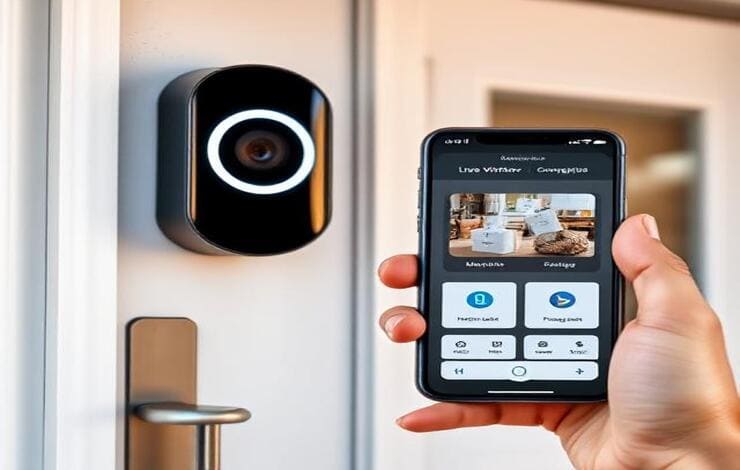
Replace your existing doorbell with a video doorbell from your chosen brand. Turn off the doorbell circuit at the breaker, remove the old button, and connect the two wires to the video doorbell terminals — polarity does not matter. The video doorbell provides live video at your front door, two-way audio, and motion alerts covering the full approach to your main entry. This is the single highest-value addition to any home security camera system setup.
Add Door and Window Sensors
Peel-and-stick door and window sensors from Ring Alarm, SimpliSafe, or Eufy install in under 2 minutes per door. Stick the magnet piece on the door and the sensor piece on the frame — when the door opens, the gap triggers your smart home alarm system. Add sensors to every ground-floor door and window, plus any accessible upper-floor windows. These sensors provide instant alerts even when your cameras may not have a direct line of sight.
Configure Alerts, Zones, and Automations
In your security app, set activity zones to focus motion detection on specific areas — excluding busy footpaths or road traffic that would trigger constant false alerts. Set notification preferences: immediate push alerts for people, delayed alerts for general motion. Enable smart home integration so your alarm system can trigger lights, lock doors, or activate a siren automatically when motion is detected after midnight. Test every camera and sensor before considering the installation complete.
Home Security Camera Placement Guide
Where you place cameras matters as much as which cameras you buy. The best home security camera system positioned poorly delivers worse results than a budget system placed correctly. Here is the optimal placement for every part of your property.
Video doorbell at door height + outdoor camera covering the full approach path. The front door is the entry point for 34% of break-ins — it needs both a sensor and camera coverage.
Floodlight camera (Ring Floodlight, Arlo Pro 5S) at 9–10 feet covering the full driveway. Motion-triggered flood lighting deters intruders and illuminates for better camera footage at night.
Outdoor camera at 8 feet covering the approach to the door, plus a door sensor inside. Back doors are the second most common entry point — always include both a camera and a contact sensor.
Any corner of your property not covered by primary cameras needs its own camera. Walk your boundary at night to identify gaps in your coverage — these are exactly where intruders move.
One indoor camera in the living room or main hallway covers the largest area and the most likely indoor path an intruder would take. Mount in an upper corner for the widest field of view.
Never point cameras directly at bright light sources (sun or streetlights) — this washes out footage. Avoid pointing at neighbours’ properties. Do not install indoor cameras in bedrooms or bathrooms.
DIY vs Professional Home Security Installation
In 2025-26, the vast majority of home security camera system installations are DIY. Professional installation is only necessary for specific scenarios involving hardwired cameras or complex multi-building setups.
- All wireless cameras (Ring, Arlo, Eufy, Wyze): Mount with 2 screws, connect via app — 10–15 minutes per camera
- Video doorbell: Replace existing doorbell wiring — 20–30 minutes, no electrician needed
- Peel-and-stick door/window sensors: No drilling, no tools, 2 minutes per sensor
- Smart home alarm system base station: Plug in, connect to Wi-Fi via app — 10 minutes
- Motion detectors and glass break sensors: Mount with one screw or adhesive pad
- Complete 3-bedroom home setup: 4 cameras + sensors + doorbell = 2 to 3 hours total
- Wired NVR/DVR camera systems: Running Ethernet or coaxial cables through walls requires professional installation
- New construction pre-wiring: Running camera cables during build is far cheaper than retrofit
- Commercial-grade systems: Multi-camera hardwired systems for large properties need professional configuration
- ADT, Vivint, Brinks: These professional monitoring companies include installation in their contract pricing
Smart Home Integration for Home Security Camera Systems
The best home security camera systems in 2025-26 integrate with your existing smart home platform to create automations that go beyond simple alerts. Smart home integration turns your security cameras into active participants in your home automation system.
- Motion detected at front door → Lights turn on: Ring camera detects motion at 11pm → triggers smart bulbs to illuminate the entrance automatically
- Alarm triggered → All locks auto-lock: Smart home alarm system triggers August or Schlage smart locks to lock every door simultaneously
- Door sensor opened while armed → Siren + notification: Ring Alarm or SimpliSafe sends alert and triggers siren if a door opens while the system is armed
- Everyone leaves home → System arms automatically: Presence-based automation arms your smart home security system when the last phone leaves the home geofence
- Camera detects person → Show feed on TV: Arlo or Ring camera with Google Home integration pushes live camera feed to your Chromecast TV automatically when someone approaches the door
Professional Monitoring vs Self-Monitoring in 2025-26
| Feature | Self-Monitoring (Free) | Professional Monitoring ($10-$60/mo) |
|---|---|---|
| Motion alerts to your phone | ✔ | ✔ |
| Live camera viewing | ✔ | ✔ |
| 24/7 human monitoring | ✘ | ✔ |
| Emergency dispatch when no response | ✘ | ✔ |
| Monitored while phone is off | ✘ | ✔ |
| Monthly cost | $0 | $10–$60 |
For most households, self-monitoring with a good home security camera system is sufficient — motion alerts, live view, and recorded footage provide strong deterrence and evidence collection. Professional monitoring adds value for households with frequent travel, elderly occupants, or properties in higher-risk areas where a missed alert could mean delayed emergency response.
Home Security Camera System by Budget 2025-26
Home Security Camera System Buying Guide 2025-26
- I use Amazon Alexa: Ring — native Alexa integration, widest product ecosystem, great value monitoring
- I use iPhone / Apple HomeKit: Arlo Pro 5S — the only major home security camera system with full HomeKit certification
- I don’t want a monthly fee: Eufy — full 2K/4K home security camera system with local storage, zero subscription required
- I’m a renter or first-timer: SimpliSafe — peel-and-stick sensors, no tools, no contract, and no permanent installation needed
- I want the best budget system: Wyze — under $40 per camera with person detection, colour night vision, and free cloud storage
- I want the best video quality: Arlo Pro 5S — 4K HDR with colour night vision captures detail no 1080p camera can match
- I want professional 24/7 monitoring: Ring Protect Plus or SimpliSafe Pro — both offer reliable 24/7 monitoring from $10–$20/month
🔒 Complete Your Smart Home Security Setup
Add smart locks, smart lighting, and home automation to complete your home security system.
See Best Smart Locks 2026 →Conclusion — Home Security Camera System Setup 2025-26
Setting up a complete home security camera system in 2025-26 is a DIY-achievable weekend project that delivers genuine, lasting protection. The right system for most households is Ring for Alexa users, Eufy for those avoiding subscriptions, and Wyze for maximum value. For the best video quality and Apple HomeKit integration, Arlo Pro 5S stands alone.
Start with cameras at every entry point, add a smart home alarm system with door and window sensors, integrate with your existing voice assistant, and build automations that make your security system active rather than passive. A well-configured home security camera system does not just record what happened — it deters intrusion, alerts you in real time, and integrates with your entire smart home to respond automatically.