How to Monitor Your Home Remotely With Smart Security Apps
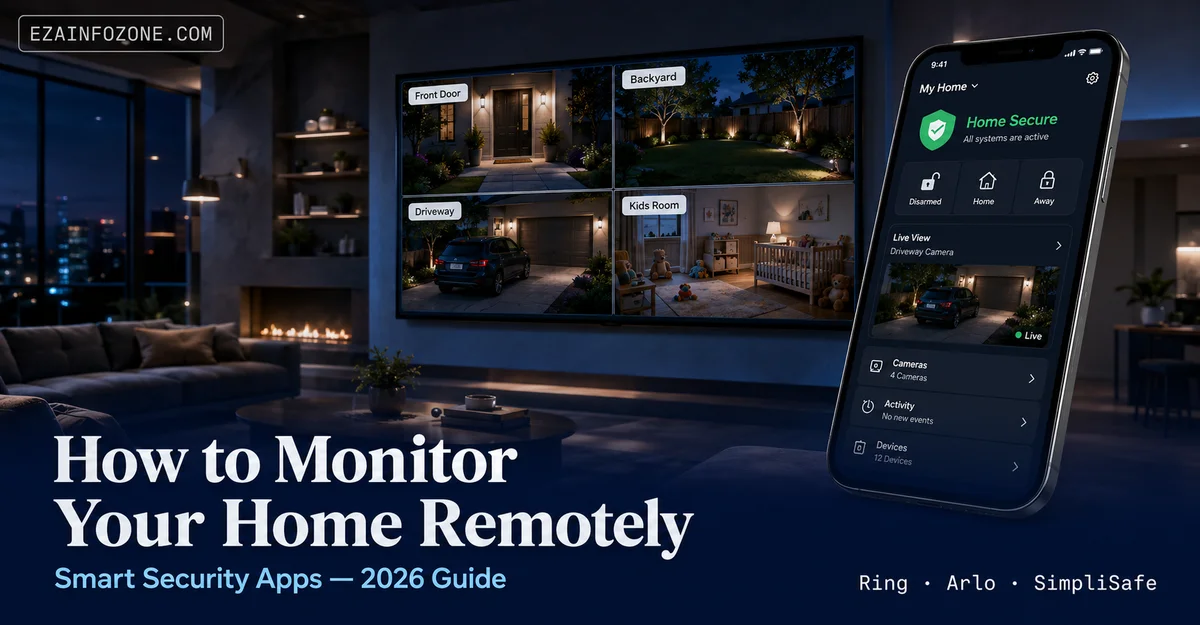
How to Monitor Your Home Remotely with Smart Security Apps
Real-time cameras, instant alerts, smart locks, and full remote control — everything you need to monitor home remotely from any device, anywhere.
To monitor home remotely, install a smart security app (Ring, Arlo, ADT Control, or SimpliSafe), connect cameras and sensors to your home Wi-Fi, and enable push notifications. The app gives you live video, instant motion alerts, remote arm/disarm, and smart lock control from your smartphone. Remote home monitoring requires no professional subscription for basic live access — paid plans add cloud storage and 24/7 professional backup.
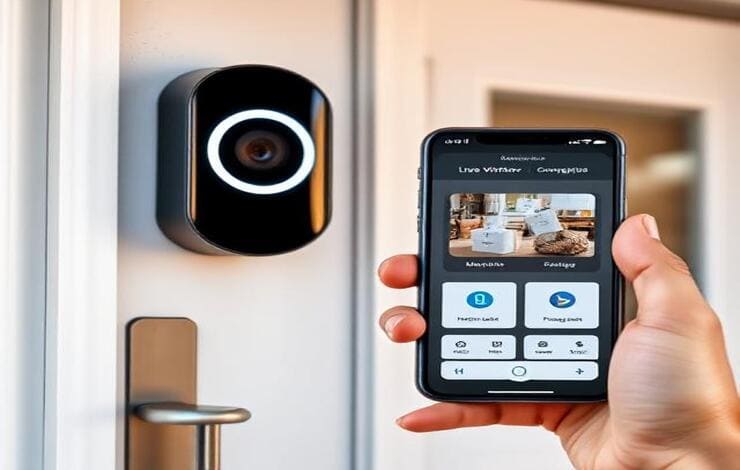
The ability to monitor home remotely has moved from a luxury feature to a practical daily habit for millions of homeowners. Smart security apps put live camera feeds, real-time motion alerts, door lock controls, and emergency panic buttons directly on your smartphone — whether you are at work, at the airport, or three time zones away. Remote home monitoring no longer requires expensive contracts or complex installations. This guide covers how the technology works, which apps lead the category in 2026, and how to set everything up securely.
Why Remote Home Monitoring Matters in 2026
Home break-ins, package theft, and unexpected emergencies do not follow a schedule. The ability to monitor home remotely means you are never completely disconnected from what is happening at your property. Modern smart security apps go well beyond motion-triggered recordings — they give you genuine two-way control over locks, lights, alarms, and cameras in real time.
Check in on children, elderly relatives, or pets at any time with a live camera view from your phone.
Receive push notifications the moment a sensor is triggered — motion, door, window, smoke, or CO detector.
Unlock the door for a delivery driver, guest, or repair crew without being home — and lock it again afterward.
Recorded footage timestamped and stored in the cloud is admissible evidence for insurance claims and police reports.
The combination of cameras, smart locks, and motion sensors — all controlled through a single app — is now within reach for most budgets. Entry-level setups cost as little as $100 to $200 in hardware, with no mandatory subscription for core remote home monitoring features. See our overview of best home security systems in 2026 for a full hardware comparison.
How to Monitor Home Remotely: Step-by-Step Setup
To monitor home remotely effectively, you need three things working together: hardware (cameras, sensors, locks), a reliable home Wi-Fi connection, and a smart security app with remote access enabled. The setup process takes under an hour for most systems.
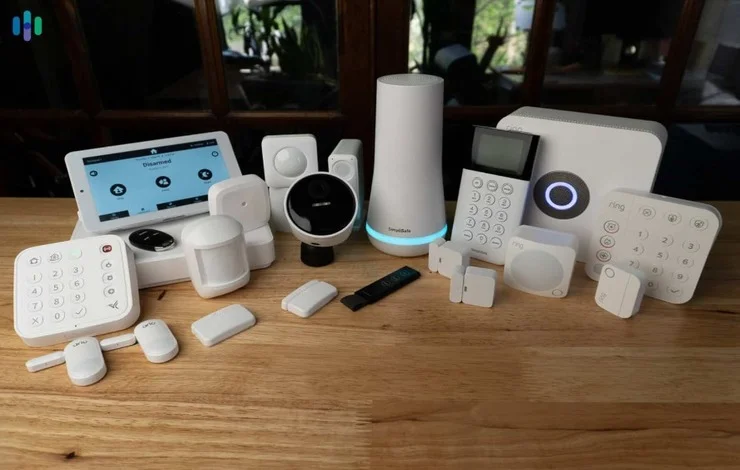
- Choose your hardware. At minimum: one outdoor camera, one indoor camera, and door/window sensors. Smart doorbells with cameras cover the front entry. Add a smart lock if you want remote access control.
- Install and connect to Wi-Fi. Most modern security hardware is plug-and-play. Connect each device to your 2.4 GHz home Wi-Fi network through the companion app during setup.
- Download the security app. Ring, Arlo, ADT Control, and SimpliSafe each have iOS and Android apps. Create an account and add each device to your home profile.
- Enable push notifications. Go to app settings and turn on motion alerts, door sensor alerts, and camera activity notifications. This is how you monitor home remotely passively — the app alerts you rather than requiring you to check manually.
- Enable two-factor authentication. Protect your account before going live. Without 2FA, a compromised password means someone else can view your cameras too.
- Test every device. Walk past each camera, open each monitored door, and verify alerts arrive on your phone within 10–15 seconds. Adjust sensitivity settings to reduce false triggers from trees or passing cars.
For a full walkthrough of hardware placement, wiring, and integration tips, read our guide on how to set up a complete smart home security system.
6 Key Features of Smart Security Apps
Not all security apps offer the same capabilities. These six features determine how well an app lets you monitor home remotely and respond to events in real time.
1. Real-Time Alerts & Push Notifications
Instant alerts are the core of any remote home monitoring system. Triggers include motion detection from cameras, door and window sensor openings, glass break detection, smoke alarms, and carbon monoxide sensors. The alert reaches your phone within seconds of the event, with a snapshot or short clip attached so you can assess the situation before deciding whether to call for help.
2. Remote Arm & Disarm
Arm or disarm your full security system from anywhere using the app. This is useful when you leave home and forget to arm the system, or when you need to let a trusted person in while you are away. Most apps support multiple modes: Home, Away, and Night — each with different sensor sensitivity levels.
3. Two-Way Audio
Cameras and doorbells with two-way audio let you speak with anyone at your door or inside a room. You can instruct delivery drivers, greet guests, or warn off intruders who do not realize the property is monitored. Two-way audio is standard on most video doorbells and higher-end indoor cameras.
4. Smart Home Integration
Leading apps connect with smart locks, thermostats, lighting, and voice assistants. When you disarm the system on arrival, the app can automatically unlock the front door, turn on the lights, and adjust the thermostat. This integration makes remote home monitoring part of a broader smart home routine rather than an isolated security function. See how smart motion sensors improve home security when integrated with your app.
5. Geofencing
Geofencing creates a GPS boundary around your home. When your phone leaves that boundary, the app arms the security system automatically. When you return, it disarms. No manual step required. This eliminates the most common user error in home security: forgetting to arm the system when leaving.
6. Remote Lock & Unlock
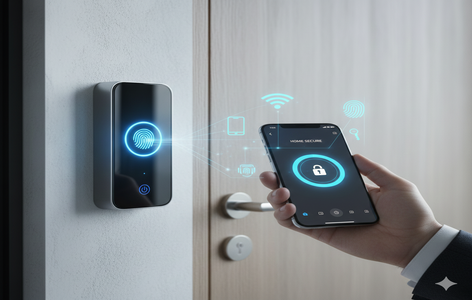
Smart lock integration allows you to lock or unlock any connected door from the app. Check the lock status remotely, create temporary access codes for guests or service providers, and receive a notification every time a door is unlocked. This is among the most practically useful features when you need to monitor home remotely while coordinating access for others.
Best Apps to Monitor Home Remotely in 2026
Four platforms dominate the smart security app market in 2026. Each has a different strength depending on your existing hardware, ecosystem preference, and whether you want optional professional monitoring. All four let you monitor home remotely at no subscription cost for live viewing and motion alerts.
Ring is the most widely used smart security app in the US. It gives you live access to all Ring cameras and video doorbells, lets you review recorded clips (with a Ring Protect subscription), supports two-way audio, and integrates deeply with Amazon Alexa for voice control. The app’s “Neighbors” community feature shares verified crime and safety alerts in your area. For those who want to monitor home remotely while also receiving neighborhood context, Ring is difficult to beat. Our Ring vs Nest vs Eufy doorbell comparison covers camera quality in detail.
- Wide device ecosystem (cameras, doorbells, alarms)
- Deep Amazon Alexa integration
- Optional 24/7 professional monitoring ($20/month)
- Neighborhood alert feed
- Cloud storage requires Ring Protect subscription
- Privacy concerns around Amazon data policies
- Best features locked behind paid plan
Arlo is the go-to app for users who prioritize video quality. Arlo cameras offer 2K and 4K resolution with color night vision, and the app provides clean live viewing with minimal latency. Arlo integrates with Amazon Alexa, Google Assistant, and Apple HomeKit — one of the widest ecosystem compatibilities available. The free tier includes 30 days of cloud storage for up to five cameras. Optional Arlo Secure plans add AI-powered motion filtering that reduces false alerts from cars, animals, and tree movement.
- 2K/4K camera support with color night vision
- Works with Alexa, Google, and Apple HomeKit
- 30-day free cloud storage for up to 5 cameras
- AI motion filtering on paid plan
- No professional monitoring on base plan
- Higher upfront hardware cost
- Full feature set requires Arlo Secure subscription
ADT Control is the app for ADT’s monitored security service — the largest professional monitoring network in the US. The app gives users live camera access, remote arm/disarm, smart home device control, and integration with Amazon Alexa and Google Assistant. ADT’s differentiator is response time: when a sensor triggers, trained monitoring agents can dispatch police, fire, or medical services within minutes without the homeowner needing to respond at all. For users who want to monitor home remotely with a professional safety net, ADT Control is the most established option.
- 24/7 professional monitoring with rapid dispatch
- Decades of brand trust and reliability
- Works with Alexa and Google Assistant
- Requires ADT monitoring contract (multi-year)
- Higher monthly cost than self-monitored alternatives
- Hardware must be purchased or leased through ADT
SimpliSafe appeals to users who want a complete security system without a long-term contract. The app includes live camera viewing, remote arm/disarm, and activity history. Optional professional monitoring is available month-to-month with no cancellation penalty — a significant advantage over ADT. SimpliSafe’s AI-powered smart alarm technology can distinguish genuine intrusions from false triggers, reducing unnecessary police dispatches. The system includes a cellular backup module so remote home monitoring continues even during home internet outages.
- No long-term contract required
- Cellular backup maintains monitoring during Wi-Fi outages
- AI intrusion verification reduces false dispatches
- Month-to-month professional monitoring available
- Limited smart home integration vs Ring or Arlo
- Camera selection smaller than competitors
- Full features require SimpliSafe Pro subscription
Comparing camera options across platforms? Use the free smart camera comparison tool to filter by resolution, night vision, subscription cost, and ecosystem compatibility.
Keeping Your Remote Home Monitoring Secure
Any remote home monitoring system is only as secure as the account protecting it. Cameras, locks, and sensors connected to the internet are potential attack surfaces if not configured correctly. The good news: the steps to secure your remote home monitoring setup are straightforward and take under 10 minutes to implement.
Encryption & Data Protection
All four major platforms — Ring, Arlo, ADT Control, and SimpliSafe — encrypt data in transit using TLS and store recordings in encrypted cloud infrastructure. End-to-end encryption for video feeds is available on Ring (opt-in) and Arlo. Encryption means intercepted traffic between your camera and the app server cannot be decoded by third parties.
Authentication Best Practices
Enable two-factor authentication on every security app account without exception. Use a strong unique password (not reused from other services). Biometric login (fingerprint or Face ID) on your phone adds a second layer of protection at the device level. Review which family members have app access and remove stale accounts.
Never access your remote home monitoring app on public Wi-Fi without a VPN. Public networks can expose your login credentials to other users on the same network.
- Enable two-factor authentication on all security app accounts
- Use a unique, strong password (password manager recommended)
- Update camera firmware promptly when updates are released
- Review app permissions — revoke microphone and location access when not needed
- Set up activity log alerts so you are notified of new device logins
- Only purchase cameras from reputable manufacturers with a published security policy
For a deeper look at securing every device in your connected home, read our full guide on how to protect your smart home from hackers.
How People Actually Use Remote Home Monitoring
The practical applications of being able to monitor home remotely go well beyond catching intruders. These are the four most common real-world uses.
Check live feeds while traveling, confirm mail is not piling up, verify no water leaks or HVAC failures are occurring. Motion alert summaries give you a daily activity digest without needing to check manually.
Grant access to trusted guests, housekeepers, pet sitters, or delivery services without leaving a spare key. Smart locks paired with a security app let you monitor home remotely and control entry in real time. Our best smart lock guide for 2026 covers top models with app integration.
Apps integrated with smart home devices let you turn off lights left on, adjust the thermostat to save energy while away, and check whether appliances were switched off. This reduces utility costs alongside the security benefit.
Panic buttons in apps like ADT Control and SimpliSafe send an instant alert to professional monitoring agents who can dispatch police, fire, or medical services. This is especially valuable for elderly residents living alone who need reliable emergency reach.
What’s Next for Remote Home Monitoring Technology
Smart security apps are evolving rapidly. The next generation of remote home monitoring tools will be significantly more intelligent, more automated, and less dependent on manual review by the homeowner.
AI & Facial Recognition
AI-powered cameras can already distinguish between people, animals, vehicles, and packages. Facial recognition is the next step — apps will identify recognized household members and flag unrecognized faces as potential alerts. This reduces false notifications dramatically while improving the signal-to-noise ratio of remote home monitoring alerts. Some premium Arlo and Google Nest cameras already offer opt-in facial recognition in select markets.
Predictive Automation
Machine learning will allow security apps to learn your household routine and proactively adjust. If you always leave at 8 AM, the app arms automatically at 8:05 AM without a geofence trigger. If you typically return at 6 PM, the system pre-stages disarm and door unlock sequences. The result is remote home monitoring that operates predictively rather than reactively.
Improved Privacy Controls
Regulatory pressure and consumer demand are pushing manufacturers toward more transparent data handling. Expect on-device processing (where video is analyzed locally rather than uploaded to the cloud) to become standard across mid-range and premium cameras by 2027. This approach delivers real-time AI alerts with significantly less privacy exposure.
Frequently Asked Questions: Monitor Home Remotely
The ability to monitor home remotely is one of the most practical smart home investments available in 2026. A basic setup with one camera, door sensors, and a free app account gives you real-time visibility and instant alerts within an afternoon. Scaling up to smart locks, geofencing, and optional professional monitoring turns that basic setup into a comprehensive remote home monitoring system that runs quietly in the background — protecting your property whether you are across town or across the world.
Compare Security Cameras Side by Side
Use our free smart camera comparison tool to filter by resolution, night vision, subscription cost, and smart home compatibility before you buy.
Try the Camera Comparison Tool →