Brat Generator Black: Black Background Brat Images
How to make a black brat image with a dark background, which text colors stay readable, and how to stop black designs disappearing in dark mode.
In this guide
- Quick answer
- What a Black Brat Generator Design Is
- How to Make a Black Brat Image in the Brat Generator
- Best Text Colors on a Black Brat Background (Contrast Tested)
- Black Brat Image Sizes for Each App
- Why Black Brat Images Disappear in Dark Mode (and the Fix)
- Black Brat Image Ideas
- Black Brat vs Classic Green: Which Should You Use?
- Black Brat Text on a Transparent Background
- Black Brat Image Problems and Fixes
- Common mistakes
- FAQ
To use the brat generator in black, open the brat generator with the Inverted style, which sets a near-black background with brat-green text. Type your words, pick a size and export as PNG. Brat green on black scores about 10:1 contrast, so it stays easy to read on any screen.
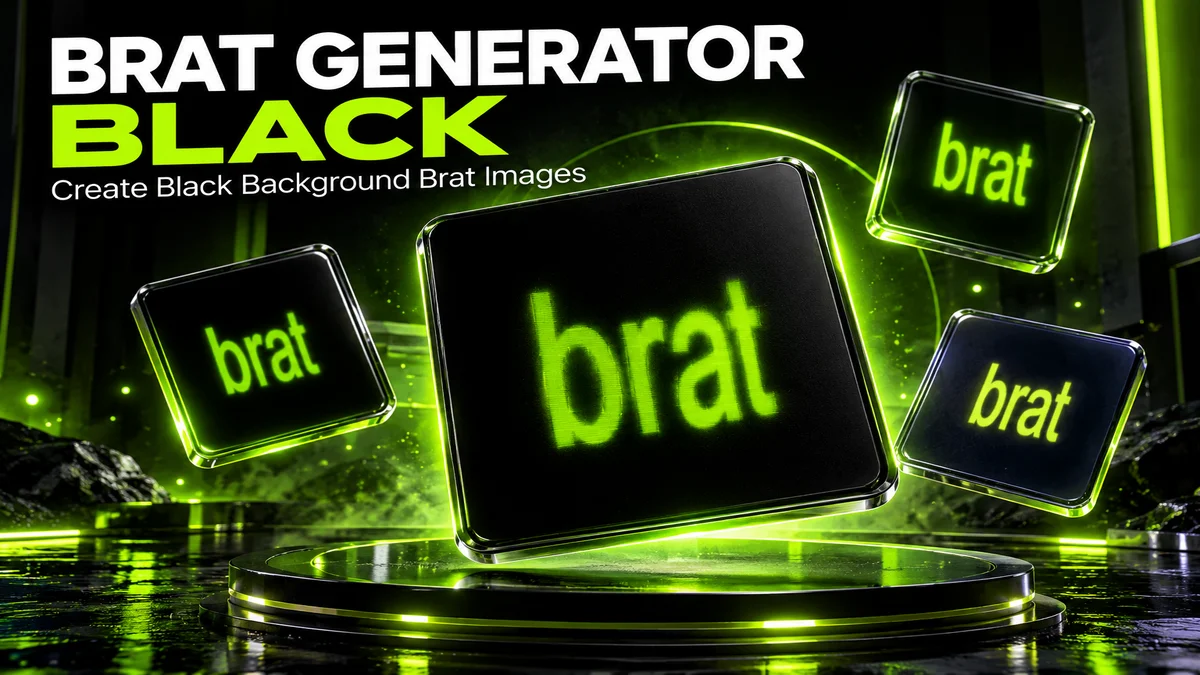
A brat generator black design flips the famous lime-green look: a black background with bright text on top. It keeps the lowercase, slightly blurry brat style but feels darker, moodier and more like a night out than a summer afternoon.
People search for this for two reasons. Some want a black background with green, white or pink text. Others want the classic black text on brat green. This guide covers both, with most of the detail on dark designs, because that’s where people run into readability and dark-mode problems.
You’ll learn which presets give you a black brat image in one click, which text colors actually stay readable on black (with real contrast numbers), the right sizes for each app, and how to stop a black square from vanishing into a dark-mode feed.
What a Black Brat Generator Design Is
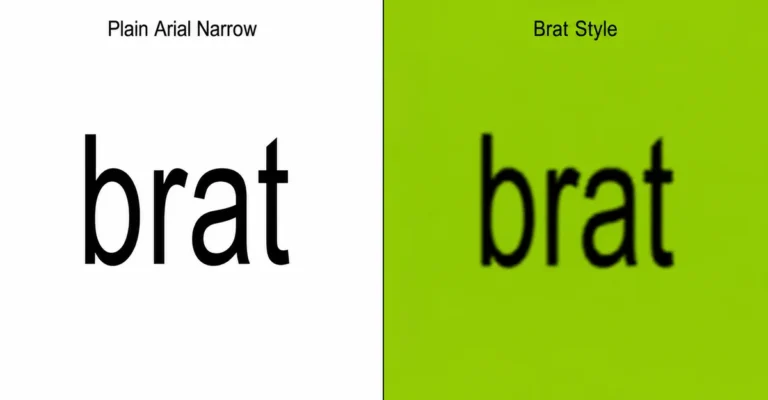
A black brat design uses the same ingredients as the original album style, short lowercase text in a narrow font with a light blur, but swaps the lime-green background for black. The text usually becomes the bright part, most often in brat green.
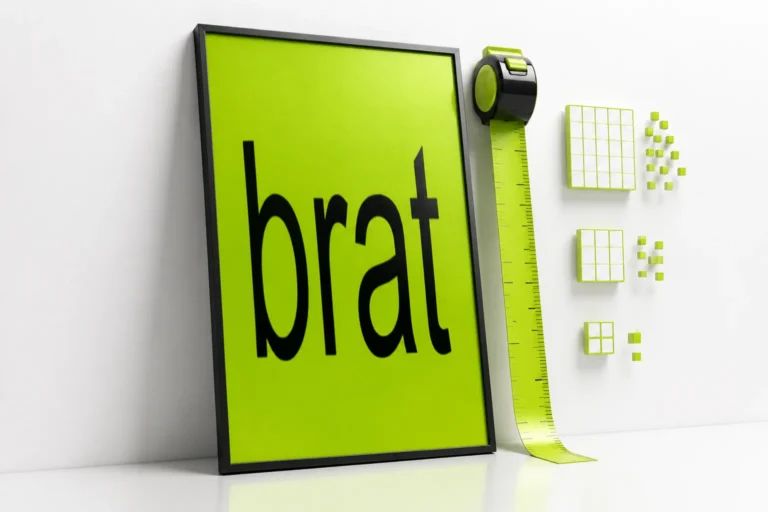
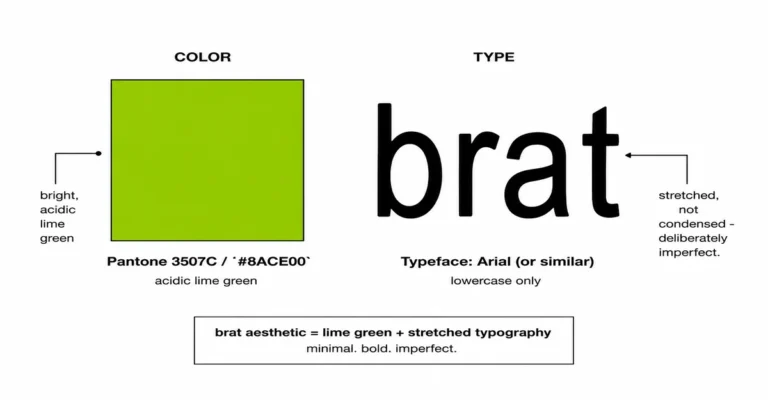
The original 2024 Brat cover by Charli XCX was black text on lime green. Flipping it keeps the recognizable typography while changing the mood. A black version reads as late-night, edgy and minimal instead of loud and summery.
| Version | Background | Text | Feels like |
|---|---|---|---|
| Classic brat | Brat green #8ACE00 | Black | Summer, loud, the original |
| Black brat (inverted) | Near-black #0a0a0a | Brat green | Night out, edgy |
| Black and white | Black | White | Clean, serious, minimal |
| Neon black | Black | Glowing green | Club flyer, rave |
| Midnight | Deep navy #0d1321 | Bright lime #c6ff00 | Softer dark, less harsh than pure black |
If you came here for black text on green, that’s the generator’s default Classic style. Everything else in this guide is about dark backgrounds.
How to Make a Black Brat Image in the Brat Generator
The fastest way to make a black brat image is to use one of the built-in dark styles. Each link below opens the generator with that style already applied.
- Open a dark style. Use Inverted for near-black with green text, Neon for the same with a glow, or Midnight for deep navy with bright lime.
- Type your text. One to five words look best. Lowercase is on by default.
- Change the text color if you want. Use the text color picker for white, pink or another color. Check the contrast badge under the canvas; it flags combinations that are hard to read.
- Pick an export size for the app you’re posting to (see the sizes table below).
- Export as PNG. PNG keeps black areas clean. JPG can add faint blocky patches in dark areas.
Want pure black (#000000) instead of the Inverted style’s near-black? Open the Inverted style with a pure black background. The difference is subtle on most screens, but pure black matches phone wallpapers on OLED screens exactly.
| Dark style | Background | Text | Extra effect | Best for |
|---|---|---|---|---|
| Inverted | #0a0a0a | #8ACE00 | None | Posts, profile pictures, covers |
| Neon | #0a0a0a | #8ACE00 | Glow, slight chaos | Party flyers, Stories |
| Midnight | #0d1321 | #c6ff00 | Glow, slight chaos | Wallpapers, softer dark look |
Best Text Colors on a Black Brat Background (Contrast Tested)
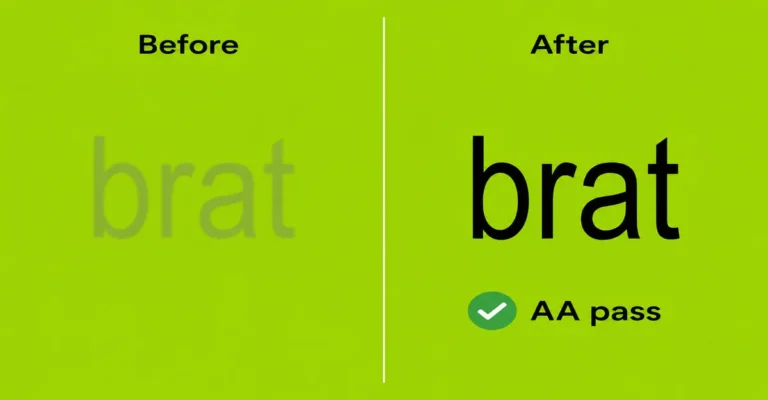
Brat green, white, bright lime and pale pink are the most readable text colors on black. Dark blue and olive green are the worst. The ratios below use the same WCAG contrast formula the generator’s contrast badge uses, where 4.5:1 is the usual minimum for readable text and 7:1 or more is comfortable.
| Text color | Hex | On pure black | On Inverted #0a0a0a | On Midnight #0d1321 | Verdict |
|---|---|---|---|---|---|
| White | #ffffff | 21.0:1 | 19.8:1 | 18.5:1 | Maximum readability |
| Bright lime | #c6ff00 | 17.7:1 | 16.7:1 | 15.6:1 | Very bright, great for small sizes |
| Cyan | #00ffff | 16.7:1 | 15.8:1 | 14.8:1 | Strong, cooler alternative |
| Pale pink | #ffc9e3 | 14.7:1 | 13.9:1 | 13.0:1 | Soft but readable |
| Yellow | #ffd400 | 14.7:1 | 13.8:1 | 13.0:1 | Warning-sign energy |
| Brat green | #8ACE00 | 10.9:1 | 10.3:1 | 9.6:1 | The signature choice |
| Hot pink | #ff69b4 | 7.9:1 | 7.5:1 | 7.0:1 | Good, Y2K feel |
| Lavender | #b388ff | 7.9:1 | 7.4:1 | 7.0:1 | Good, softer mood |
| Pure red | #ff0000 | 5.3:1 | 5.0:1 | 4.6:1 | Borderline; keep text large |
| Mid gray | #808080 | 5.3:1 | 5.0:1 | 4.7:1 | Borderline; looks faded |
| Olive green | #4d7c0f | 4.2:1 | 4.0:1 | 3.7:1 | Fails; too dark |
| Royal blue | #0047ff | 3.3:1 | 3.2:1 | 3.0:1 | Fails; hard to read |
Blur lowers readability further, because it softens letter edges. If you use a darker text color, turn the blur down. Use the preview below to test your own text before opening the full generator.
Contrast 10.3:1, easy to read
Black Brat Image Sizes for Each App
Pick the export size for where the image will be seen. The generator has these presets built in, so you don’t need to type pixel sizes.
| Use | Preset in the generator | Size |
|---|---|---|
| Instagram feed post | Instagram Post | 1080 x 1080 px |
| Instagram or Facebook Story | Instagram Story | 1080 x 1920 px |
| TikTok cover | TikTok Cover | 1080 x 1920 px |
| Phone wallpaper | Instagram Story (or Custom to your screen) | 1080 x 1920 px |
| X post | X / Twitter Post | 1600 x 900 px |
| YouTube thumbnail | YouTube Thumbnail | 1280 x 720 px |
| Pinterest pin | Pinterest Pin | 1000 x 1500 px |
| Playlist or album art | Album Cover | 3000 x 3000 px |
| Printed poster | Print A4 or Print Letter | 2480 x 3508 px or 2550 x 3300 px |
For a phone wallpaper, the brat wallpaper guide explains where the clock and app icons cover the screen, so your text stays visible.
Why Black Brat Images Disappear in Dark Mode (and the Fix)
A black square can blend into a dark-mode app, so the edges of your post disappear and the text looks like it’s floating. Instagram, X and TikTok all have dark themes, and many people use them.
That’s not always bad. Floating text can look intentional. But if you want your post to read as a clear square, use one of these fixes:
- Use Midnight instead of pure black. The navy background stays visibly different from a black app.
- Add a thin border. In any photo editor, add a 10 to 20 pixel frame in brat green or gray.
- Use a large word that reaches near the edges. The shape of the text then defines the square.
- Check both themes before posting. Switch your phone between light and dark mode and look at the preview.
The reverse also happens. In light mode, a black square stands out strongly in a white feed, which is why black brat images often stop the scroll.
Black Brat Image Ideas
Black brat designs suit moods and moments that feel a little darker or more serious than the classic green. Here are uses that work well, with text ideas you can type straight in.
| Use | Text ideas | Style |
|---|---|---|
| Profile picture | your initials, your name, “off” | Inverted, large text |
| Night-out Story | “out tonight”, “club then bed”, “after dark” | Neon |
| Phone wallpaper | “do not disturb”, “focus”, “later” | Midnight, pure black for OLED |
| Halloween or party flyer | “boo”, “haunted”, “lights out” | Neon |
| Announcement | “new post”, “out now”, “live at 9” | Inverted with white text |
| Mood post | “tired”, “not today”, “logging off” | Inverted |
| Playlist cover | “night drive”, “3am”, “moody” | Midnight |
Need more single words? The brat word generator suggests random brat-style words, and you can paste any of them into the black styles above.
Black Brat vs Classic Green: Which Should You Use?
Use classic green when you want instant recognition. Use black when you want a mood, a darker brand look, or something that stands out from the many green brat posts.
| Question | Choose classic green | Choose black |
|---|---|---|
| Do you want people to recognize “brat” instantly? | Yes | Less so |
| Is it for night, party or Halloween? | Yes | |
| Will it be a phone wallpaper? | Yes, easier on the eyes and battery-friendly on OLED | |
| Is your feed already full of green? | Yes, black adds variety | |
| Will it be printed? | Yes, uses less ink | Large black areas use a lot of ink |
| Is readability the top priority? | Black on green is 10.3:1 | White on black is about 20:1 |
For the exact green values for printing or matching, the brat color code page lists hex, RGB and print values.
Black Brat Text on a Transparent Background
Sometimes you want only the text, no background at all, so you can place it on a black photo, a video or a dark website. Use the generator’s Sticker style, which exports a transparent background, then set the text color you want.
One thing to know: transparent PNGs show a checkerboard in many apps, and some apps preview them on white. Light text then looks invisible until you place it on a dark background. The transparent background guide covers this in detail.
Black Brat Image Problems and Fixes
| Problem | Cause | Fix |
|---|---|---|
| Blocky gray patches in the black | JPG compression | Export as PNG instead |
| Text looks fuzzy after posting | App compression plus blur | Lower the blur and use the exact preset size so the app doesn’t resize it |
| Black looks gray on some phones | Screen brightness or LCD panel | Normal; use pure black (#000000) if it matters for a wallpaper |
| Post edges disappear | Dark mode | See the dark-mode fixes above |
| Print comes out streaky | Large solid black areas on home printers | Use best quality, or print at a copy shop |
| Contrast badge shows a fail | Text color too dark | Switch to a color from the top half of the contrast table |
If the generator itself isn’t loading or downloading, the brat generator troubleshooting guide walks through browser fixes.
Common Mistakes With Black Brat Designs
Choosing a dark text color.
Dark blue, olive and deep red look stylish in the color picker but fail on black. Use the contrast table or the preview tool, and stay at 7:1 or above for small text.
Using heavy blur on dark backgrounds.
Blur spreads bright text into the black, which makes letters harder to read. Keep blur low, especially for long words or small sizes.
Exporting as JPG.
JPG compression shows up most in dark, flat areas as blocky patches. Export black designs as PNG.
Forgetting dark mode.
A black square can vanish in a dark-mode feed. Preview your post in both themes, or use Midnight or a thin border.
Printing big black areas at home.
Home printers often streak on large solid black areas and use a lot of ink. For print, consider the classic green version or a copy shop.
Writing too much text.
Long text shrinks to fit and gets lost on a dark background. One to five words keep the bold look.
FAQ
What is brat generator black?
It’s a dark version of the brat style: a black background with bright text, usually brat green, in the same lowercase narrow font. In our generator, the Inverted style creates it in one click, and the Neon and Midnight styles give glowing and navy variations.
How do I make a black background in the brat generator?
Open the generator with the Inverted style, or with ?preset=inverted at the end of the address. For pure black instead of near-black, add &bg=000000. You can also set any background color with the background color picker.
What is the best text color on a black brat background?
White gives the highest contrast at about 20:1, and bright lime and cyan are close behind. Brat green scores about 10:1, which is easily readable and keeps the signature look.
Is brat green readable on black?
Yes. Brat green #8ACE00 on pure black has a contrast ratio of about 10.9:1, well above the 4.5:1 minimum for readable text. It’s slightly lower on the near-black Inverted background, at about 10.3:1.
Can I make white text on black?
Yes. Open the Inverted style and change the text color to white with the text color picker. White on black is the most readable combination, though it looks less brat than green.
What hex code is brat black?
There is no official brat black. Our Inverted style uses #0a0a0a, which is near-black, and pure black is #000000. The difference is small on most screens.
Why does my black brat image look blocky?
It’s usually JPG compression, which shows up in dark, flat areas. Export as PNG instead, and use the exact preset size so the app doesn’t resize your image.
Is a black brat wallpaper better for my phone battery?
On phones with OLED screens, black pixels are switched off, so a mostly black wallpaper can use less power than a bright one. The effect is small, and LCD screens don’t benefit.
How do I make black text on brat green?
That’s the generator’s default Classic style. Black text on brat green #8ACE00 has a contrast ratio of about 10.3:1 and is the closest match to the original album cover.
Can I download a black brat image with a transparent background?
Yes. Use the Sticker style, which exports a transparent PNG, then set your text color. Light text may look invisible in previews on white, but it shows once placed on a dark background.
What size should a black brat profile picture be?
Use the Instagram Post preset at 1080 x 1080 px. Keep the text centered and large, because profile pictures are cropped to a circle and shown very small.
Is the brat generator affiliated with Charli XCX?
No. The brat generator on this site is an independent, fan-made tool. It is not affiliated with or endorsed by Charli XCX, Atlantic Records or Warner Music Group.
Go Dark, Stay Readable
A black brat image keeps everything recognizable about the style while changing the mood. Start from the Inverted, Neon or Midnight style, keep your text bright and short, export as PNG at the right size, and check how it looks in dark mode before posting. If a text color looks stylish but scores below 4.5:1, pick something brighter.
This is an independent, fan-made guide. It is not affiliated with or endorsed by Charli XCX, Atlantic Records or Warner Music Group.