
Instagram Hashtag Limit 2026: How Many Hashtags to Use (Now 5)
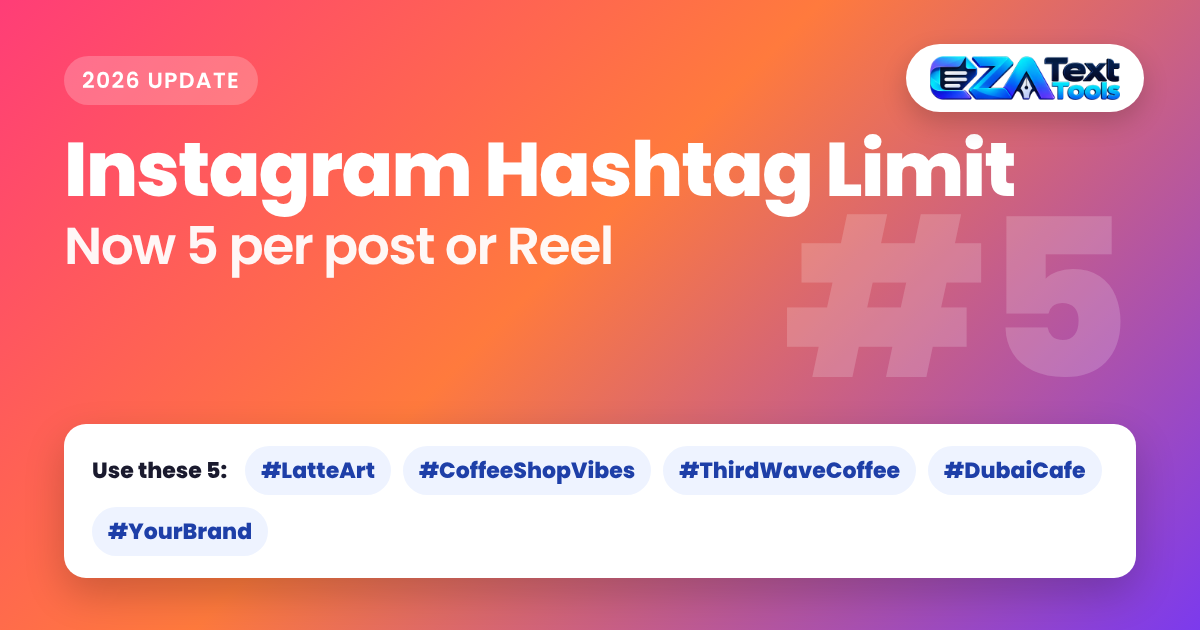
Instagram now allows up to 5 hashtags on a post or Reel. Here is what changed, what still works, and how to pick the right five.
Quick answer: the Instagram hashtag limit is 5 hashtags per post or Reel. Instagram announced the change on December 18, 2025, replacing the old limit of 30, and its Help Center now says “You can use up to 5 tags on a post.” Use 3 to 5 specific hashtags that describe the post, and put your main keywords in the caption too.
In this guide
- What is the Instagram hashtag limit in 2026?
- Do hashtags in comments count?
- What happens if you add more than 5?
- How many hashtags should you use on Instagram?
- Do hashtags still work on Instagram?
- The 5-hashtag formula (with examples)
- How to use hashtags on Instagram, step by step
- How to find the best hashtags for Instagram
- Hashtag rules on TikTok, YouTube and others
- Common hashtag mistakes
- FAQs
What Is the Instagram Hashtag Limit in 2026?
The Instagram hashtag limit is now 5 hashtags per post or Reel. Instagram’s official @creators account announced it on December 18, 2025 with the line “Starting today, Instagram will allow up to 5 hashtags in a reel or post,” and the change rolled out gradually to accounts after that.
Before the change, you could add up to 30 hashtags. That is why so many older guides, Pinterest pins and “500 viral hashtags” lists still tell you to fill every post with tags. Those lists are now out of date.
Instagram’s own Help Center page on hashtags now states the rule directly: “You can use up to 5 tags on a post.” Instagram gave two reasons for the cap: fewer, more targeted hashtags tend to perform better, and long blocks of popular tags were a favorite tool of spam accounts.
Saw a limit of 3? Before the 5-tag rule launched, Instagram tested lower caps with some accounts, and a few users reported being stopped at 3. The rule Instagram documents today is 5.
Do Hashtags in Comments Count Toward the Limit?
Yes, in practice they do. Instagram still lets you add hashtags in the caption or in a comment on your own post, but its Help Center says that if you include more than 5 tags on a single photo or video, “your comment won’t post.”
So the old trick of putting 25 extra hashtags in the first comment no longer works. Treat the caption and your own comments as one shared budget of 5.
What Happens If You Add More Than 5 Hashtags?
- In the caption: tags beyond the limit will not help you. Depending on your app version, Instagram may ask you to remove the extra tags before you can share.
- In a comment: a comment that pushes the post over 5 tags will not post.
- On older posts: posts published before the change can still show more than 5 hashtags. Instagram did not remove old tags.
Some scheduling tools advertise ways to publish more tags. Even where that works for a while, it goes against Instagram’s documented rule and gives you no extra reach, so it is not worth the risk.
How Many Hashtags Should You Use on Instagram?
Use 3 to 5 hashtags on most posts. Five is a ceiling, not a target. If only three tags genuinely describe your post, three is the better choice than five with two generic ones added.
| Post type | Suggested hashtags | Why |
|---|---|---|
| Feed post (photo or carousel) | 3 to 5 | Room for topic, niche and location tags |
| Reel | 3 to 5 | Same limit; describe the video, not the trend you hope to ride |
| Business or local shop | 4 to 5 | Include one location tag and one branded tag |
| Personal post (selfie, birthday) | 0 to 3 | Discovery matters less; keep the caption clean |
Do Hashtags Still Work on Instagram?
Hashtags still work, but their job has changed. They act as labels that help Instagram understand what a post is about and place it on hashtag pages. They are no longer a shortcut to reach: Instagram’s head Adam Mosseri has described hashtags as a way to help Instagram understand a post, not a way to get more distribution.
Instagram search now reads much more than hashtags: it matches what people type against usernames, names, bios, captions and locations. That means the words in your caption matter as much as your tags. “Sunday pancakes with blueberries” in the caption tells Instagram more than #food ever could.
Creators have already adapted. A Fanpage Karma analysis of Instagram posts found that 45% of posts use no hashtags at all, 14% use exactly 5, and 7% still try to go over the limit.
The 5-Hashtag Formula (With Examples)
With only five slots, every hashtag needs a job. This simple formula covers most posts:
- 1 topic tag: says exactly what the post shows (#LatteArt, not #Coffee).
- 2 niche tags: communities your real audience follows (#CoffeeShopVibes, #ThirdWaveCoffee).
- 1 location tag: the city or area, if place matters (#DubaiCafe).
- 1 branded tag: a tag you reuse on every post (#BeanBarCafe).
Here is how the formula looks for three different accounts:
| Account | Topic | Niche (2) | Location | Brand |
|---|---|---|---|---|
| Coffee shop | #LatteArt | #CoffeeShopVibes #ThirdWaveCoffee | #DubaiCafe | #BeanBarCafe |
| Fitness coach | #HomeWorkout | #WorkoutForWomen #FitnessOver30 | #LondonFitness | #FitWithSara |
| Travel creator | #SoloTravel | #TravelOnABudget #HiddenGems | #VisitLisbon | #AliOnTheRoad |
No location or brand yet? Swap those slots for a third niche tag, or simply use three or four tags.
Get your best 5 hashtags in one tap. Type what your post is about and the free hashtag generator suggests topic, niche, location and brand tags, then pre-selects a set that fits the 5-tag limit.
Open the Hashtag GeneratorHow to Use Hashtags on Instagram, Step by Step
- Write the caption first. Say plainly what the post is about, using the words people would search for.
- Pick 3 to 5 hashtags with the formula above. Every tag should describe this specific post.
- Check each tag on Instagram. Tap it in search and look at the top posts. If they are spam or unrelated, choose another tag.
- Use CamelCase for multi-word tags (#LatteArtDaily). It is easier to read and screen readers pronounce it correctly.
- Add the tags at the end of the caption, after your main text, so the first line stays a clean hook.
- Change your tags from post to post. Pasting the same block every time tells Instagram nothing new about each post.
How to Find the Best Hashtags for Instagram
There is no single list of best hashtags for Instagram, because the best tags are the ones that match your post and your audience. A good set usually mixes these types:
- Niche tags (#HomeBaking, #SoloTravel): smaller, focused communities. These are usually your strongest slots.
- Topic tags (#LatteArt, #LegDay): describe the post itself.
- Location tags (#LahoreFood): useful for local businesses, events and travel.
- Branded tags (#YourShopName): collect your posts and customer posts in one place.
- Broad or trending tags (#travel, #fyp): crowded and vague. Use one only when it truly fits.
For a quick start, the hashtag generator builds these groups from your own words and a library of 50 niches. Pair it with the caption generator to write a keyword-rich caption in the same step.
Example sets you can adapt:
Hashtag Rules on TikTok, YouTube and Other Platforms
Each platform treats hashtags differently, so the same set of tags will not suit every app:
| Platform | Official rule | Suggested amount |
|---|---|---|
| Up to 5 per post or Reel | 3 to 5 | |
| TikTok | No fixed number; hashtags count toward the caption length | 3 to 5 |
| YouTube | More than 60 hashtags and all are ignored; up to 3 can show by the title | 3 to 5 |
| X (Twitter) | No published cap | 1 to 2 |
| No published cap | 3 to 5 | |
| Hashtags are no longer clickable; keywords and topics matter more | 0 to 3 |
The “suggested amount” column is common practice, not an official rule. YouTube’s own help page adds that over-tagging or misleading hashtags can get a video removed from search, so relevance matters there too.
Common Hashtag Mistakes After the 5-Tag Cap
- Copying old “30 best hashtags” lists. They were built for the old limit and are mostly broad tags that bury your post.
- Spending all five slots on huge tags like #love or #instagood. Millions of posts compete there every hour.
- Using tags that do not describe the post just because they are trending.
- Hiding extra tags in the comments. Comments count toward the same 5-tag limit now.
- Leaving keywords out of the caption. Instagram search reads captions, so a caption with no real words wastes your best discovery space.
Instagram Hashtag Limit FAQs
Is Instagram only 5 hashtags now?
Yes. Instagram allows up to 5 hashtags on a post or Reel. The change was announced on December 18, 2025 and replaced the old limit of 30.
Why is Instagram limiting me to 5 hashtags?
Instagram says fewer, more targeted hashtags improve content performance and the viewer experience, and the cap also cuts down on spam accounts that stuffed posts with popular tags.
Do hashtags in comments count toward the limit?
Yes. Instagram says that if you include more than 5 tags on a single photo or video, your comment will not post, so the caption and your own comments share the same limit.
How many hashtags should I use on Instagram Reels?
Use 3 to 5 hashtags that describe the video itself. Reels follow the same 5-hashtag limit as feed posts.
Are Instagram hashtags still relevant in 2026?
Yes, as labels. Hashtags help Instagram understand and categorize a post, but they are not a reach shortcut. Keywords in your caption, name and bio now matter just as much for search.
Can I use the same hashtags on every post?
You can reuse one branded hashtag, but change the rest to match each post. Repeating the same block every time tells Instagram nothing new about the content.
More Free Tools for Your Posts
Sources
- Instagram Help Center: Use hashtags on Instagram (checked November 3, 2026)
- Social Samosa: Instagram limits number of hashtags to five per post
- YouTube Help: Use hashtags for titles and descriptions
- Fanpage Karma: How many hashtags should you use on Instagram?
EZA Text Tools is independent and not affiliated with Instagram, Meta, TikTok or YouTube. Platform rules change; we review this guide regularly.